
Examples explained / 10 design studies
Look past the surface. See the decisions.
Use these fictional concepts to study clarity, visual hierarchy, service information, and next steps. They are teaching examples, not client projects or measured business results.
Reviewed October 6, 2026 · Practical guidance for 2026, planning ahead for 2027
All ten examples are fictional DPS design concepts. Any names, reviews, credentials, statistics, or service promises within the concepts are illustrative, not verified business claims. Demo forms do not represent live service requests. Screenshots show the refined DPS concepts prepared October 6, 2026; the linked concepts may evolve.
Ten website concepts
Explore the work, one example at a time.
Fictional design studies by DPS Labs. Explore the live concepts, then read what each one teaches.
Showing example 1 of 10
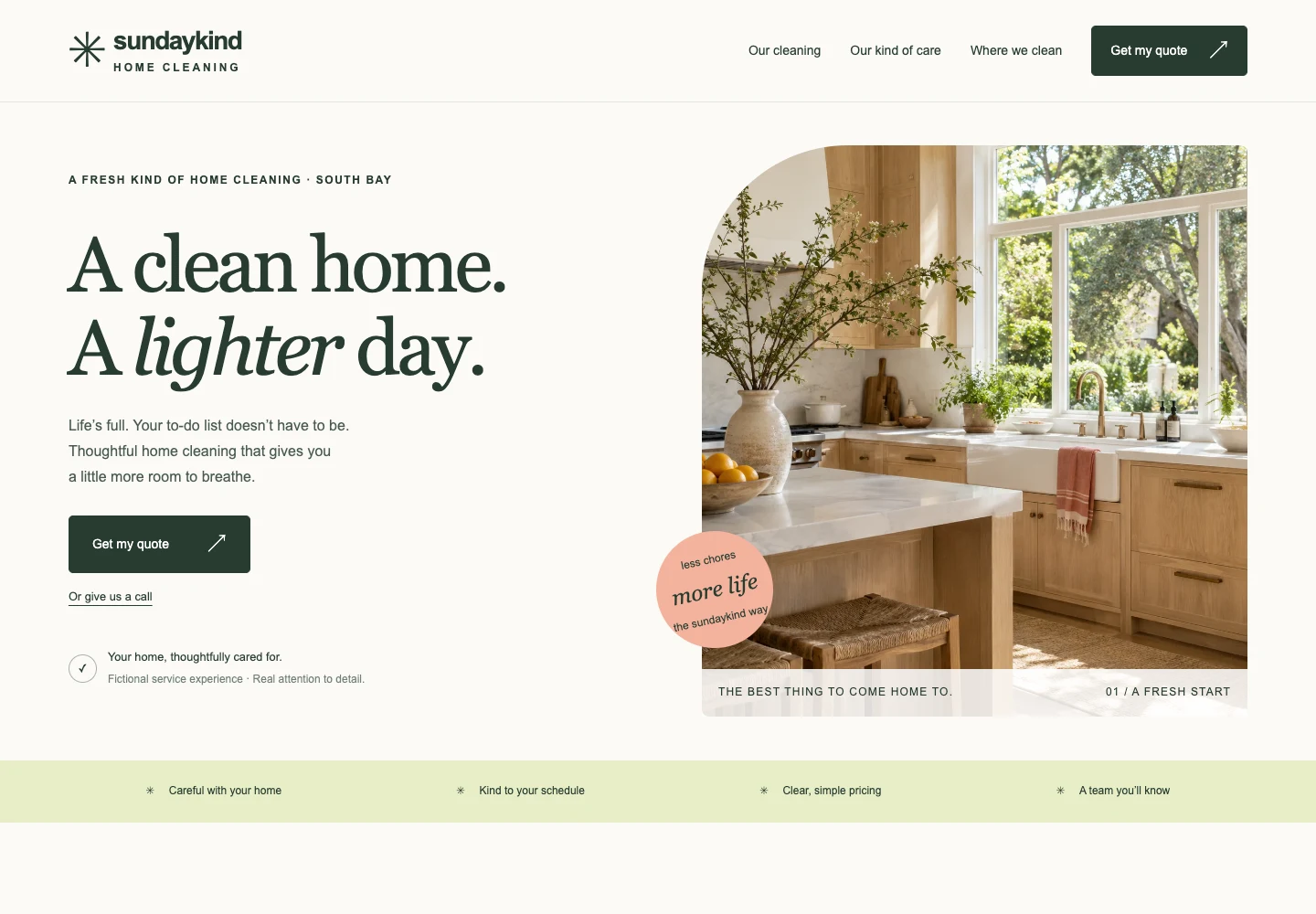
Cleaning / A fictional concept
Design studyMake the first action obvious.
A calm visual tone supports a simple promise: explain the cleaning service and make choosing a cleaning service easy.
1A recognizable service
The heading and home imagery establish the type of help being offered.
2A visible primary action
The “Find your clean” button leads to recognizable service choices.
3A consistent tone
Gentle color and short copy create a coherent presentation.
What still needs checking: The design alone does not prove service quality. A real version needs accurate inclusions, pricing expectations, service areas, and verified proof.
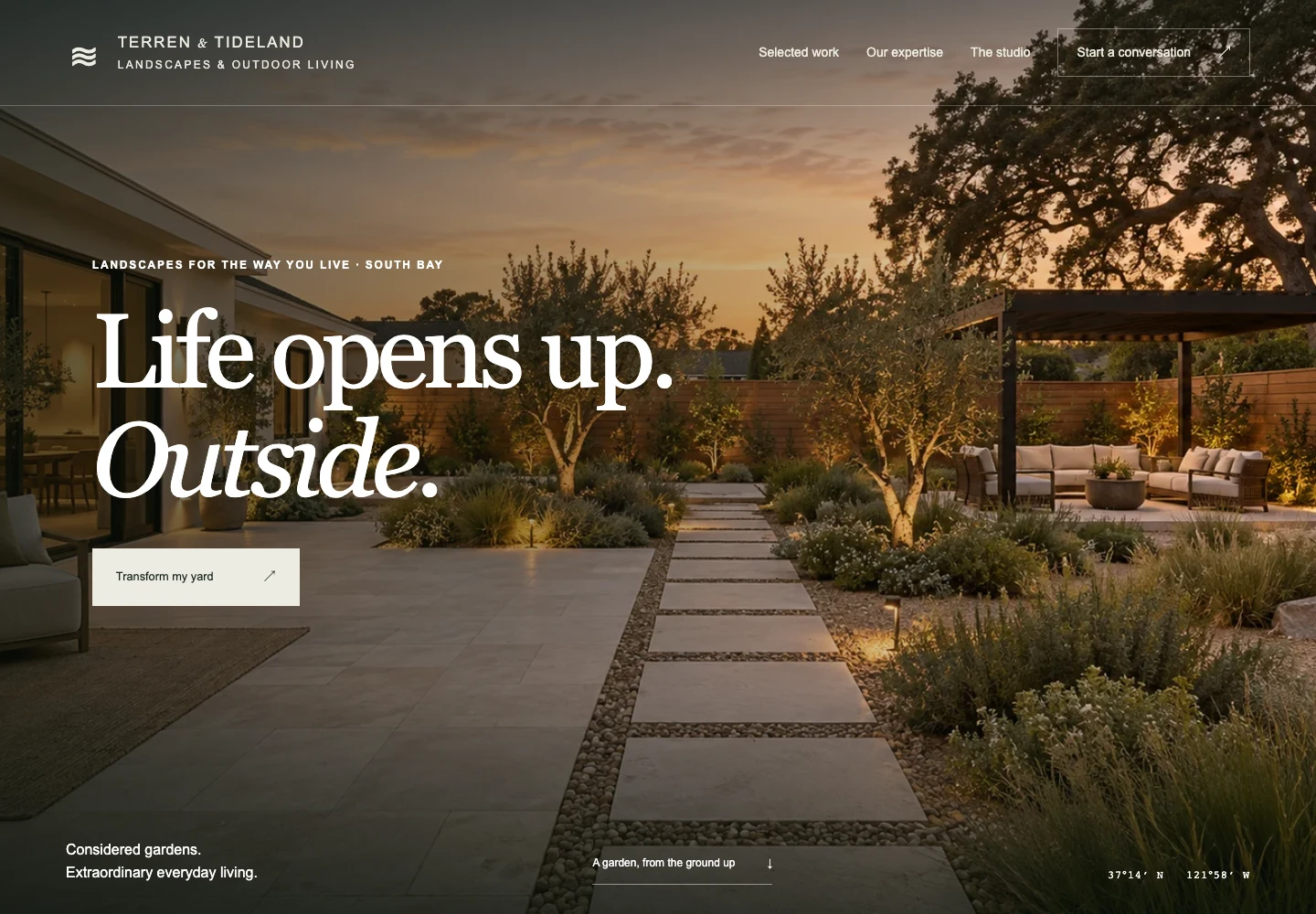
Landscaping / A fictional concept
Design studyMake the work feel tangible.
A landscape photograph can explain a style of work faster than an abstract claim. Give it useful context.
1A project-led impression
The outdoor image sets a direction for the kind of project a visitor might want.
2Readable content over imagery
Dark treatment helps the text remain legible; check contrast across every image and breakpoint.
3A next step with intent
An inquiry can begin a conversation about the customer’s property and goals.
What still needs checking: This concept is not a completed client project. A real gallery should identify scope, constraints, and permissions for every image.
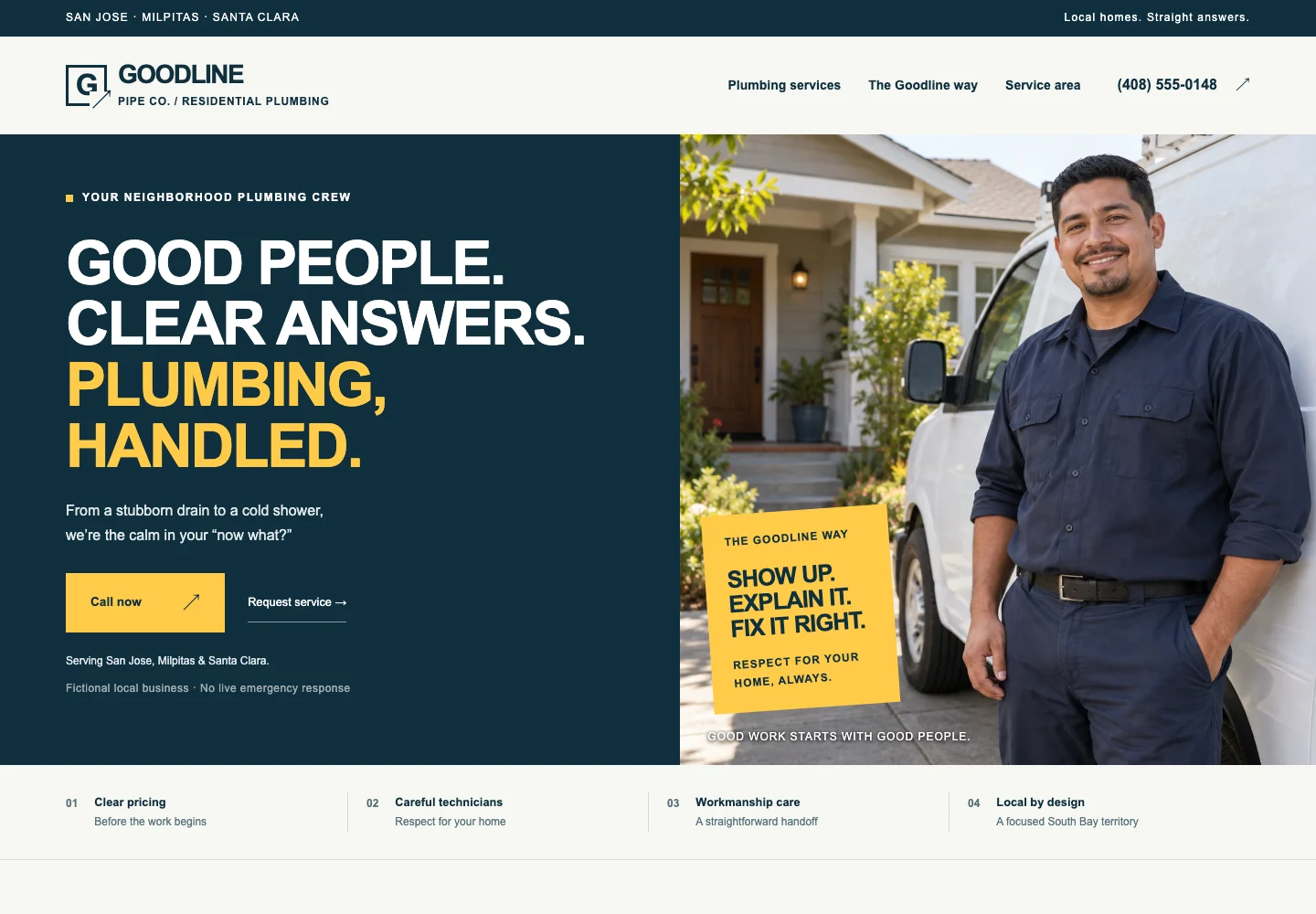
Plumbing / A fictional concept
Design studyMake service information easy to find.
A visitor with a practical problem needs recognizable services, clear contact choices, and accurate availability.
1A direct service identity
Name the trade and the audience clearly.
2A useful service route
Group common problems so a visitor can recognize the relevant path.
3A clear contact choice
Make a phone or inquiry action easy to locate and label honestly.
What still needs checking: Do not imply emergency response, round-the-clock availability, licensing, or guaranteed arrival times unless the business can support those claims.
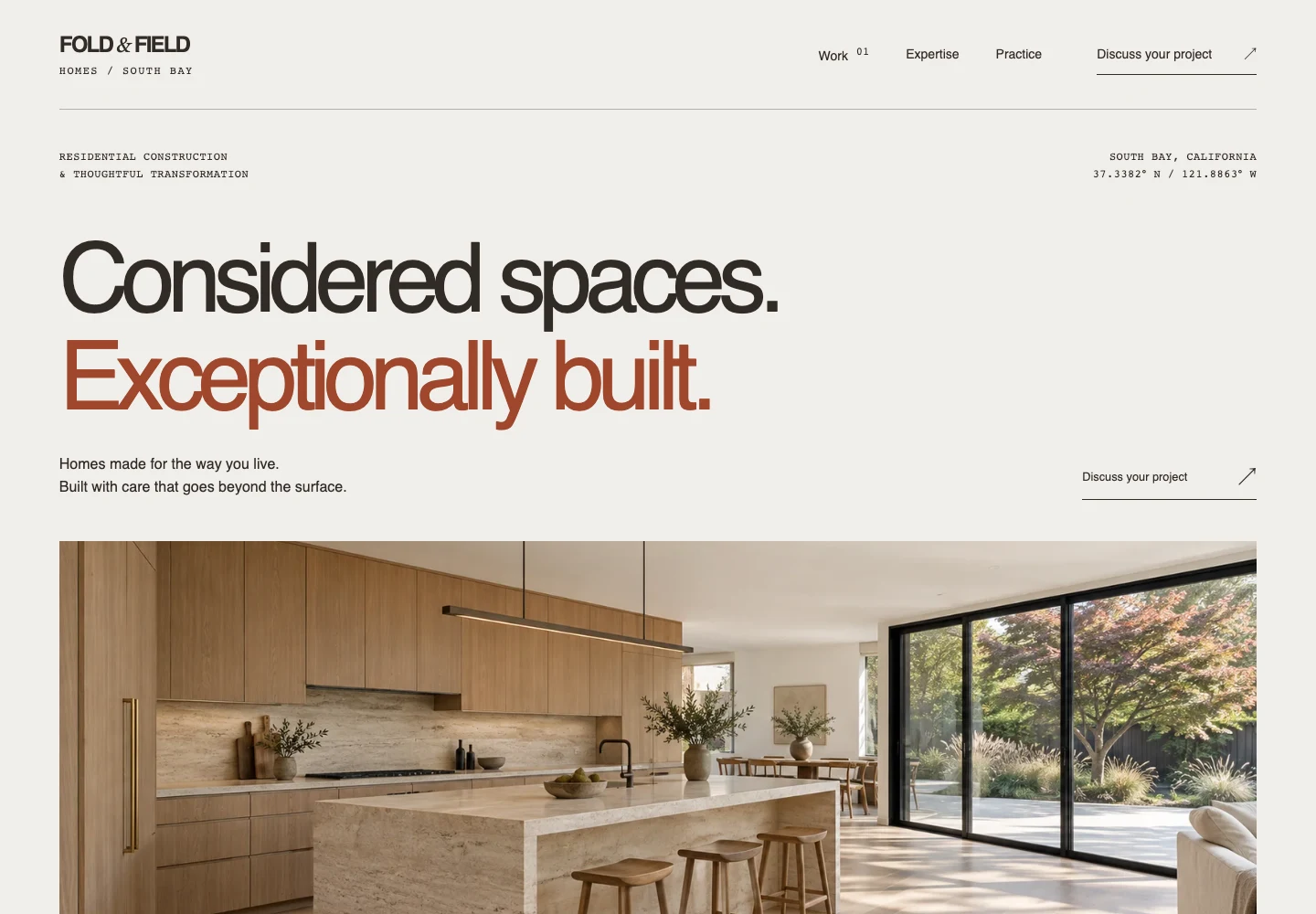
Construction / A fictional concept
Design studyGive character a practical job.
Large typography and project imagery can communicate a design approach while navigation helps visitors evaluate fit.
1A distinctive introduction
The headline establishes a tone and a point of view.
2Work as evidence
Project imagery makes the service concrete when it represents real, permissioned work.
3A project conversation
A clearly labeled inquiry invites someone to describe the work they are considering.
What still needs checking: In a real project, supplement expressive copy with actual services, service area, qualifications, process, and scope. Concept imagery is not proof of delivery.
HVAC / A fictional concept
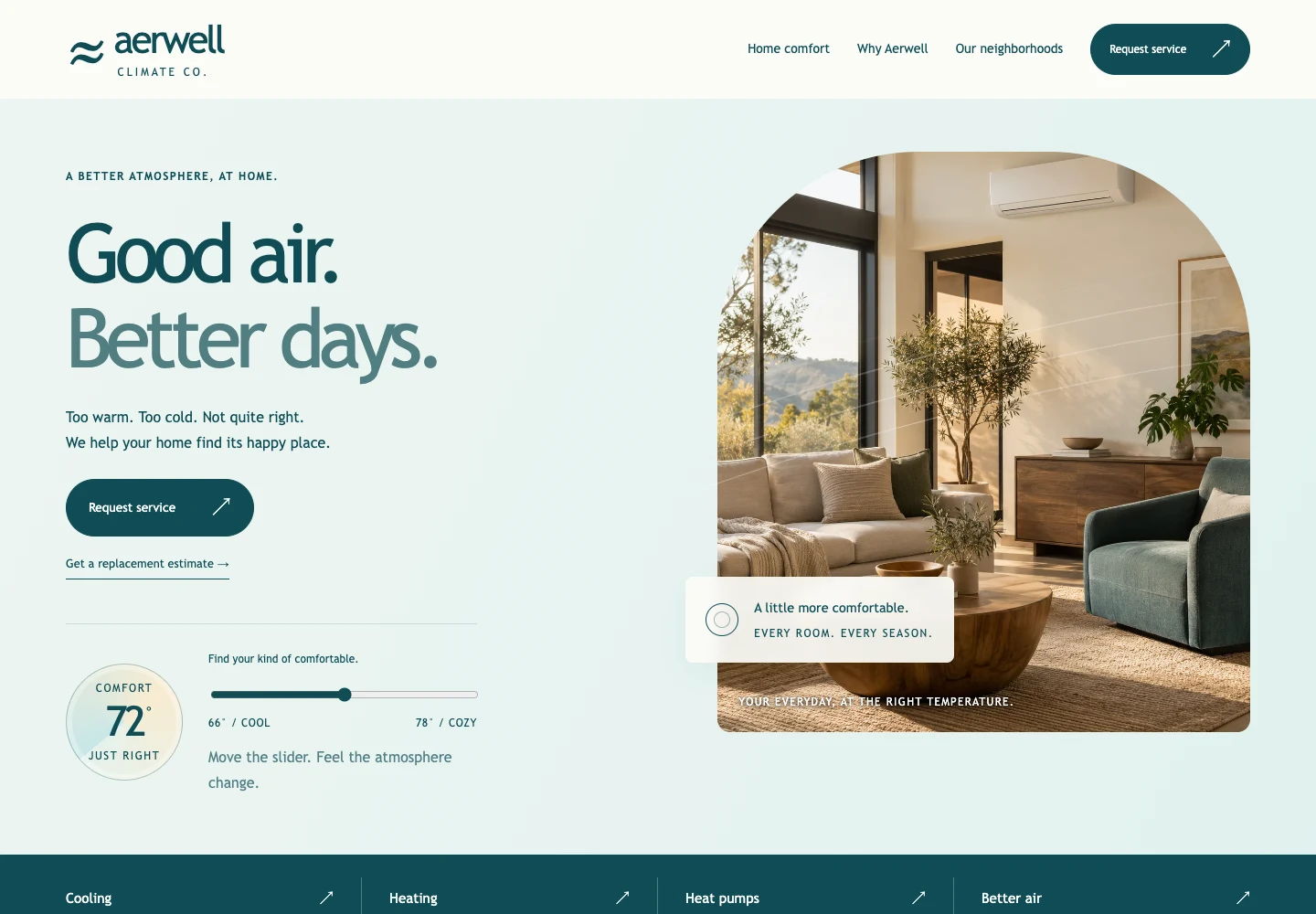
Design studyHelp people choose the right service.
Heating and cooling pages work best when visitors can recognize their problem and understand what happens next.
1An understandable category
Use customer language alongside technical terms.
2A focused service path
Separate repair, replacement, and maintenance questions where that helps the visitor.
3A useful next step
Explain whether the action requests a callback, diagnosis, or confirmed appointment.
What still needs checking: A button does not establish real booking capability. Claims about efficiency, rebates, warranties, or certifications require current evidence.
Electrical / A fictional concept
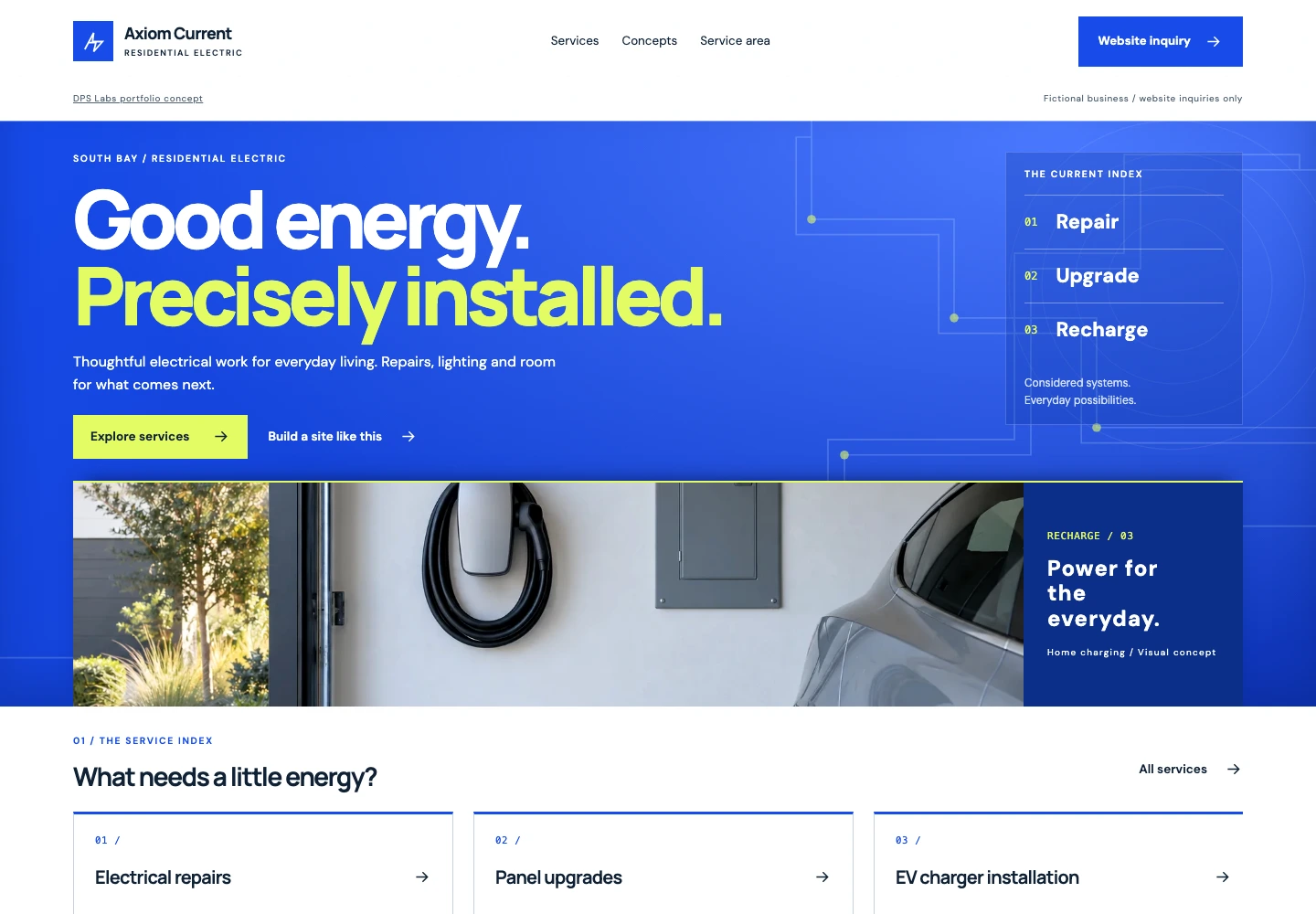
Design studyLet specific services do the explaining.
Clear service names help a visitor decide whether their project belongs here.
1An identifiable trade
Show what kind of electrical work is offered.
2Services people recognize
Specific tasks give the visitor more context than a broad quality claim.
3Contact without guesswork
A visible next action reduces uncertainty about how to begin.
What still needs checking: Confirm credentials, project types, coverage area, and safety-related statements with the actual business. This is a fictional interface.
Roofing / A fictional concept
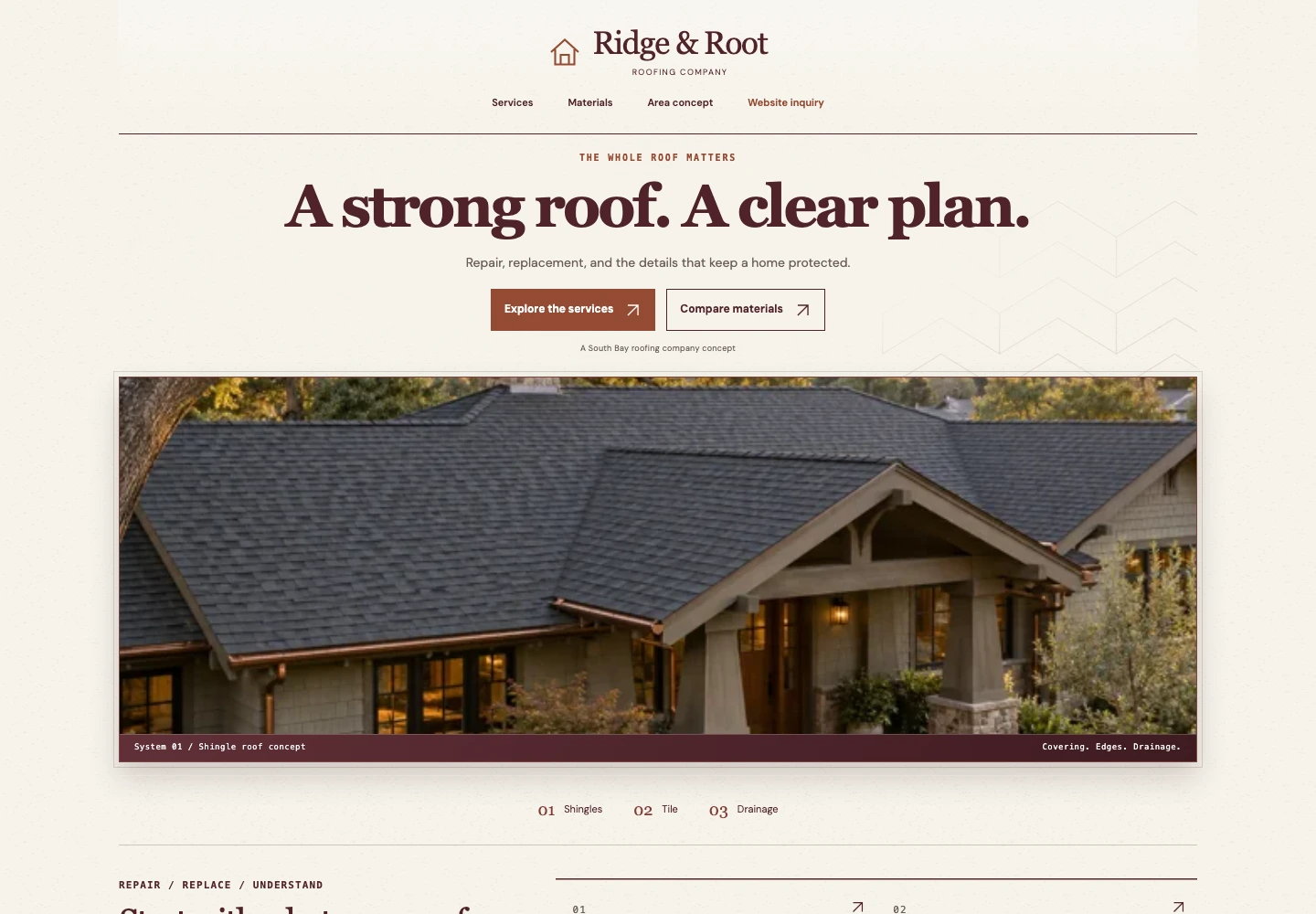
Design studyExplain the decision before the request.
A customer may be comparing inspection, repair, and replacement. The page should help them understand the next step.
1Recognizable roofing work
A clear introduction establishes the service category.
2Visual context
Relevant imagery can support the story when it accurately reflects the work.
3An inquiry path
A request should explain what information is needed and what happens next.
What still needs checking: Do not promise an assessment, insurance outcome, warranty, or turnaround that the business has not verified.
Painting / A fictional concept
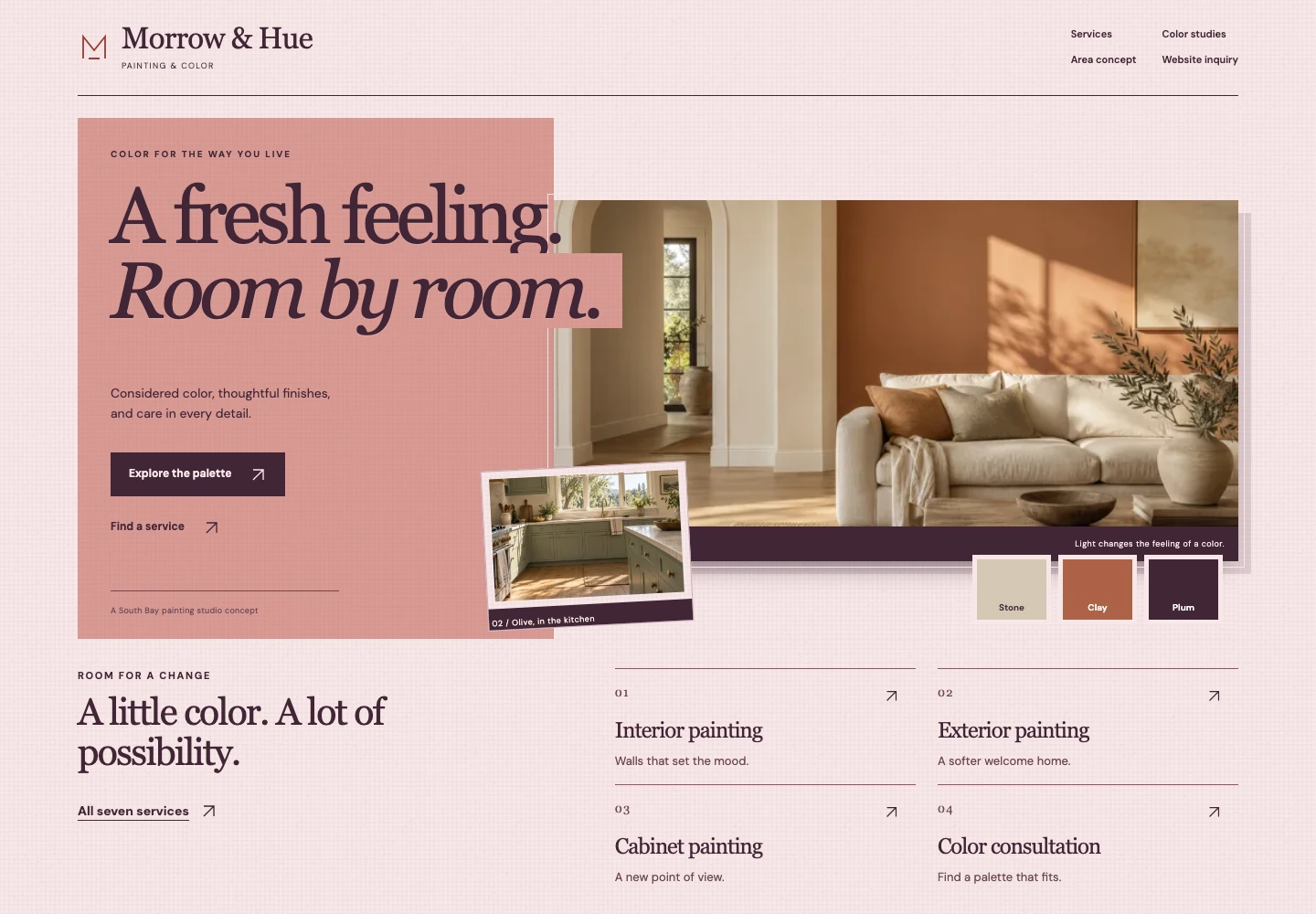
Design studyConnect the look to the service.
Color and imagery can show the type of result a customer is considering while the copy explains what is included.
1A cohesive visual style
A focused palette supports the presentation.
2A service-specific story
Interior, exterior, cabinet, and specialty work need different explanations.
3A project-focused action
Invite the details needed to start a useful conversation.
What still needs checking: Show real finished work with permission. Discuss preparation, scope, materials, and exclusions rather than implying a result from a concept image.
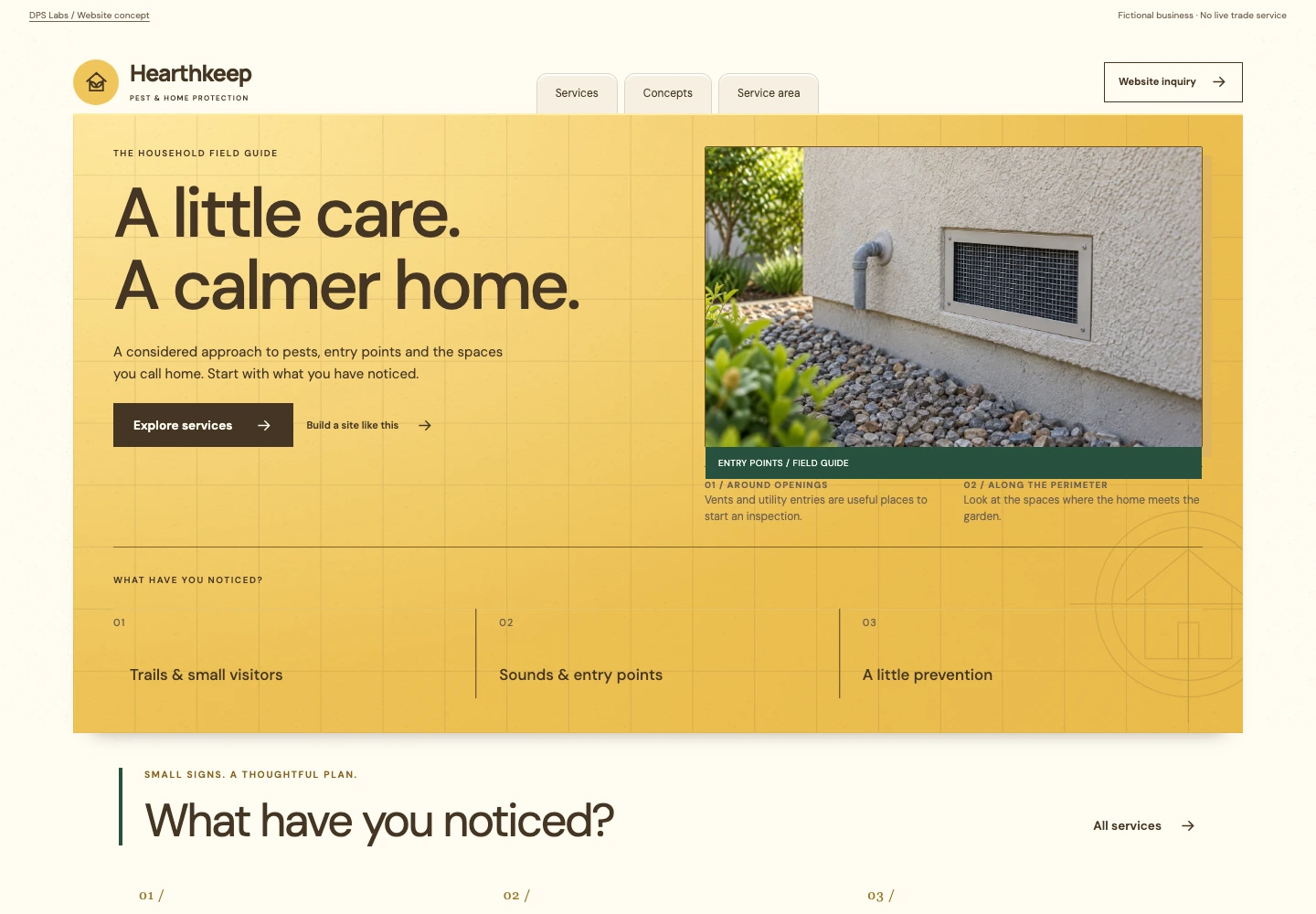
Pest control / A fictional concept
Design studyBe clear without creating alarm.
A practical service page helps a customer identify the right help without exaggerated risk claims.
1An approachable introduction
Calm language can make a difficult problem easier to discuss.
2Problem-based navigation
Organize services around issues the business actually handles.
3A straightforward inquiry
Explain the information needed for the next step.
What still needs checking: Treatment, health, safety, licensing, and guarantee claims need particular care and current verification. This concept is not professional treatment advice.
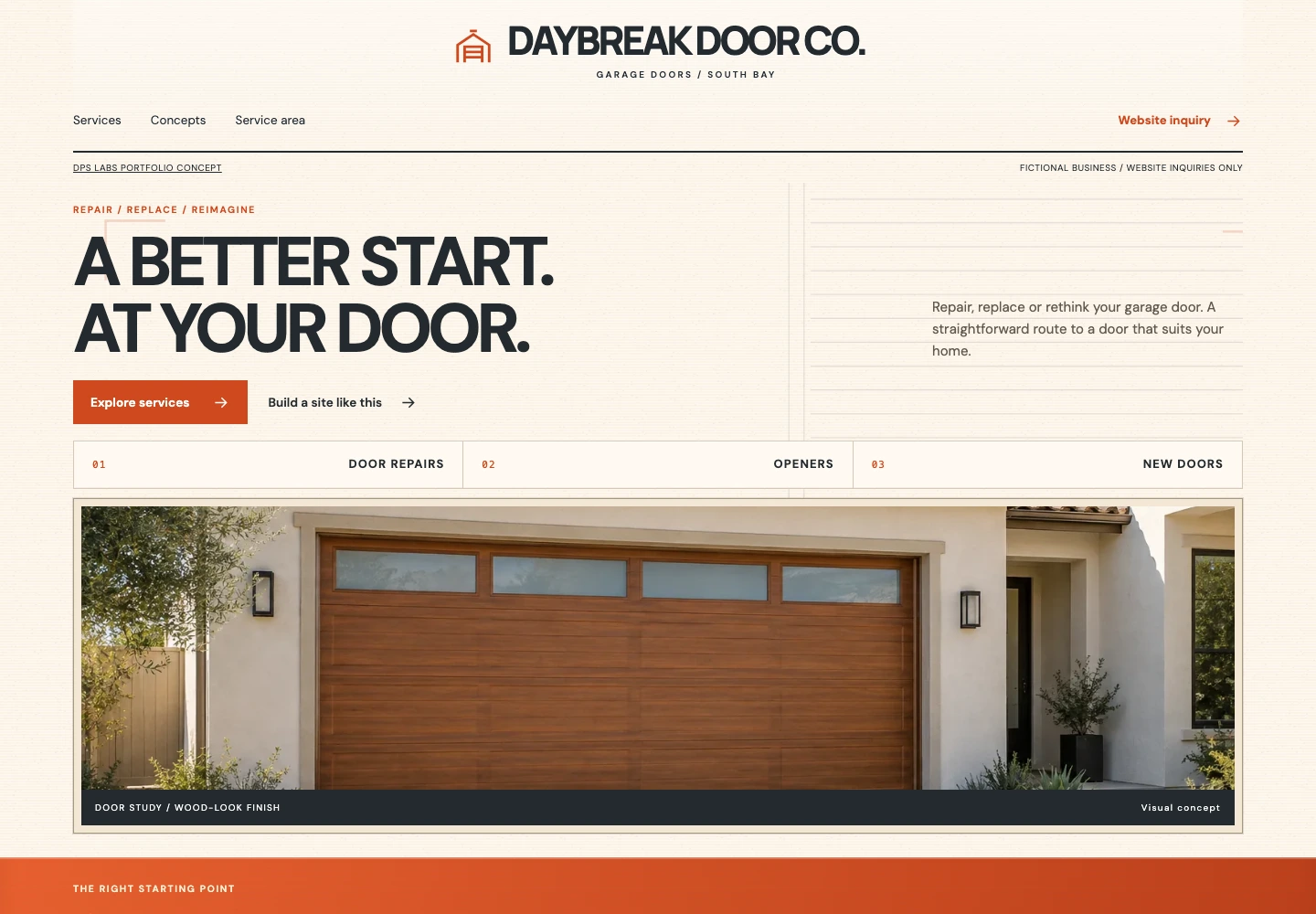
Garage doors / A fictional concept
Design studyTurn a symptom into a useful path.
Specific repair and installation categories can help someone find the right conversation.
1A clear service category
Say whether the business handles repair, replacement, or installation.
2Relevant detail
Describe common service types without making a remote diagnosis.
3An accessible next step
Keep contact choices clear on a narrow screen.
What still needs checking: Do not imply a confirmed appointment or verified response time. Avoid unsafe DIY repair instructions and unsupported safety guarantees.
Apply the lessons