Menu

Plumbing websites / Built by DPS Labs

Professional Websites for Plumbers

Make it easy for someone with a plumbing problem to understand what you handle and get in touch.

When something goes wrong, clarity comes first.

A visitor with a leak may be on a phone, short on time and unsure which service they need. Put the phone action, actual availability and service area near the top. A homeowner researching a water-heater replacement needs a more detailed explanation before making contact.

What your website should make clear.

Separate repair from planned work

Organize relevant services such as leak repair, drain work, fixture installation and water-heater replacement. Only list work you provide; explain what a customer can expect when they inquire.

A phone-first contact path

Use a prominent tap-to-call action and a short service request for non-urgent inquiries. Make the difference clear so visitors do not assume a form is monitored continuously.

Honest availability

Only advertise emergency or 24-hour service if it is genuinely offered. Tell visitors how to reach the business and avoid invented response-time guarantees.

Useful service-area information

Explain the areas you cover and any meaningful travel limits. Help someone confirm that you can visit their property before asking them to complete a form.

Organize services by the problem or planned job.

Use separate pages when the services answer different customer questions. The final page plan depends on what you offer and the scope we agree on before building.

Leak and drain service
Explain the kinds of plumbing problems you handle and how a customer should request help. Keep availability visible and avoid implying a web form is an emergency dispatch system.
Water-heater work
Separate repair inquiries from replacement discussions. Describe the systems you actually service and the assessment needed before recommending work.
Fixture and planned installation
Explain the installation work you take on, whether customers supply fixtures and what information helps you assess the job before a visit.

Use work photos that explain the service.

A clear photo of a completed installation can show care and workmanship. Use captions to explain what was installed or repaired without exposing a customer’s address or personal belongings. A real team photo can introduce the people who may attend the property; a stock portrait should not stand in for your staff.

Trust starts with the truth.

Use real team or work photos where available, verified license details when applicable, and a plain explanation of your service process. Avoid stock technician portraits that suggest people work for your company when they do not.

The ideal next step: Call or request service.

Keep the phone number visible near the service description and repeat it at the end of the page. For a non-urgent request, collect the service category, general location and a brief description. Explain what the form is for so a visitor does not assume immediate attention.

Make your service area useful.

State the actual territory for service visits and whether urgent work has different coverage from scheduled installation. If you work on both residential and commercial properties, describe the relevant services for each rather than implying that every job is suitable.

DPS Labs serves San Jose and South Bay businesses as well as companies throughout the United States. We shape the website around your real coverage and how your business handles new work.

A direction to explore.

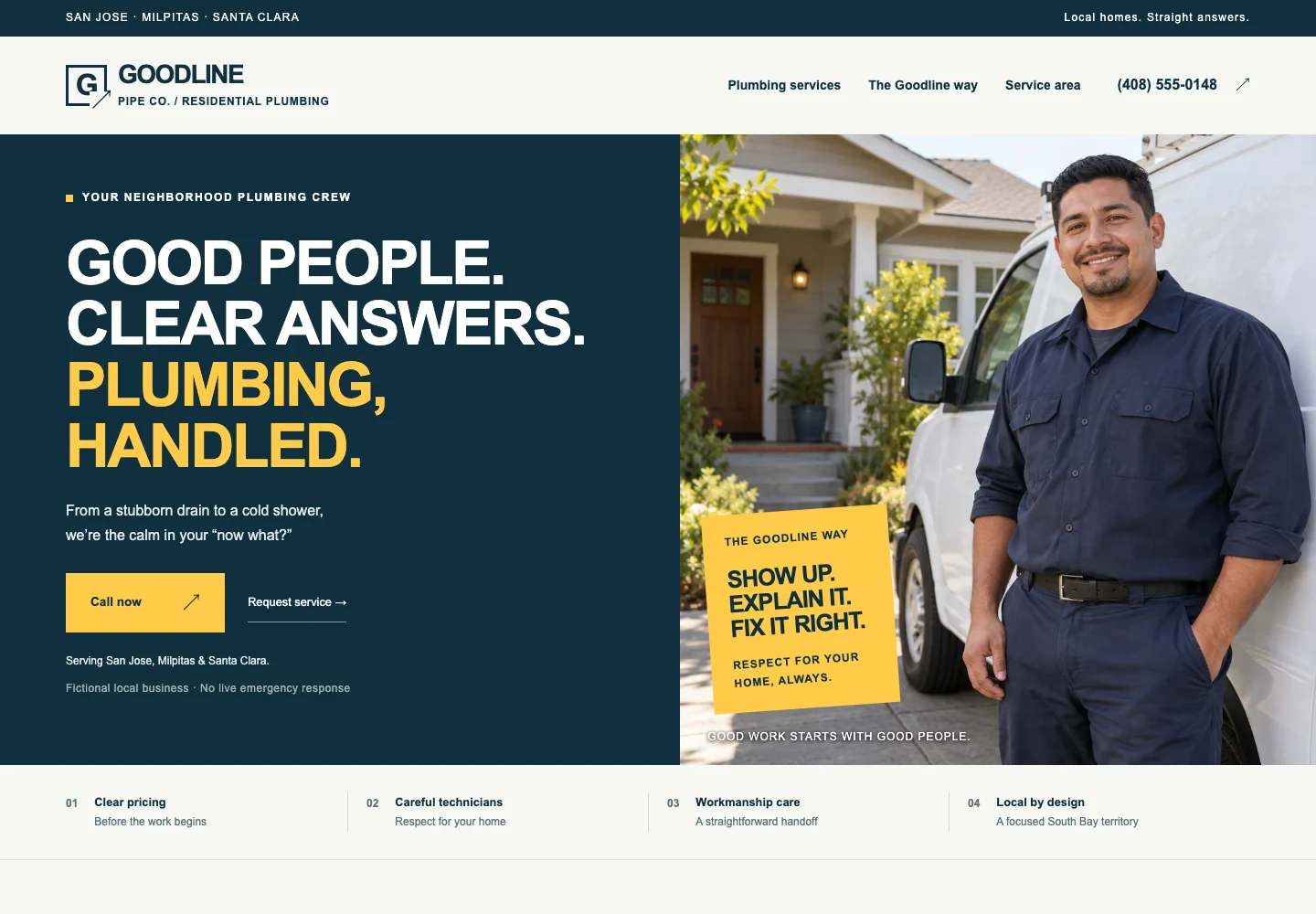
Concept website, not a client project. Demo names and any reviews are fictional. Demo forms do not send service requests. Advanced interactions are quoted separately.

Compare all ten website examples and the thinking behind their layouts, service sections and contact actions.

Your business website, built for $1,500.

The base offer includes professional design, responsive business and service pages, contact forms, basic on-page SEO, analytics setup, domain connection, SSL configuration, launch assistance and source-code ownership. We tailor the agreed pages to your services, brand and customers.

Domain, hosting, additional functionality and ongoing marketing are separate. We confirm page count, content responsibilities, timing, revisions and handoff before the project begins. Read everything included in the price, or learn when a $1,500 website is a good fit.

Build My Plumbing Website — $1,500

Questions about your plumbing website.

Can customers call directly from the website?

Yes. A tap-to-call link makes your phone number easy to use on a mobile device.

Should the website advertise emergency plumbing?

Only if that accurately describes your business. We’ll use your actual availability and explain how urgent requests should be made.

Can different plumbing services have their own pages?

Yes. We’ll agree on the service pages and page count before beginning. Distinct pages should answer distinct customer questions.

Should I put plumbing prices on the website?

Publish fixed prices only when they accurately describe your offer, including any real conditions or exclusions. If the work needs an assessment, explain the estimate process and how the customer can ask about the job.

Your next chapter

Your customers are
already looking online.

Give them something professional to find.

Professional business website$1,500Built by DPS Labs. Owned by you.